
How to Conduct an Accessibility Audit on Any Website
Automated tools catch roughly 30% of accessibility issues. A thorough audit combines tools like Axe and Lighthouse with manual keyboard test...
Explore the latest posts from the blog.
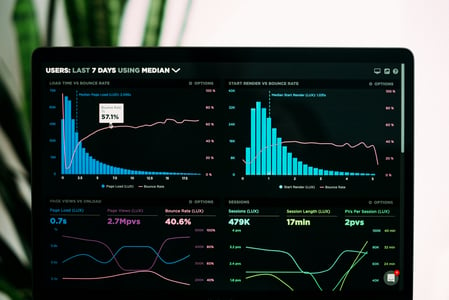
Automated tools catch roughly 30% of accessibility issues. A thorough audit combines tools like Axe and Lighthouse with manual keyboard test...
WCAG 2.2 introduced new success criteria focused on cognitive accessibility, mobile usability, and authentication. This post explains each n...

Alt text is often misunderstood. It is not just a description of what is in the image — it is a functional replacement that conveys the purp...

Forms are among the most critical and most frequently inaccessible components on the web. Proper label association, descriptive error messag...
SPAs present unique accessibility challenges because route changes do not trigger a full page reload. Without proper focus management, scree...

Before reaching for ARIA, lean on semantic HTML. Elements like nav, main, article, section, and aside give browsers and screen readers meani...

Many users rely exclusively on keyboards to navigate the web — including power users, people with motor disabilities, and those using assist...

Color contrast is one of the most common accessibility failures on the web. WCAG 2.1 requires a minimum contrast ratio of 4.5:1 for normal t...

ARIA (Accessible Rich Internet Applications) attributes extend HTML semantics to help assistive technologies interpret complex UI patterns. ...